VERY IMPORTANT! Once the update is complete, don’t forget to perform a FACTORY RESET on your MAGNETAR 9000.
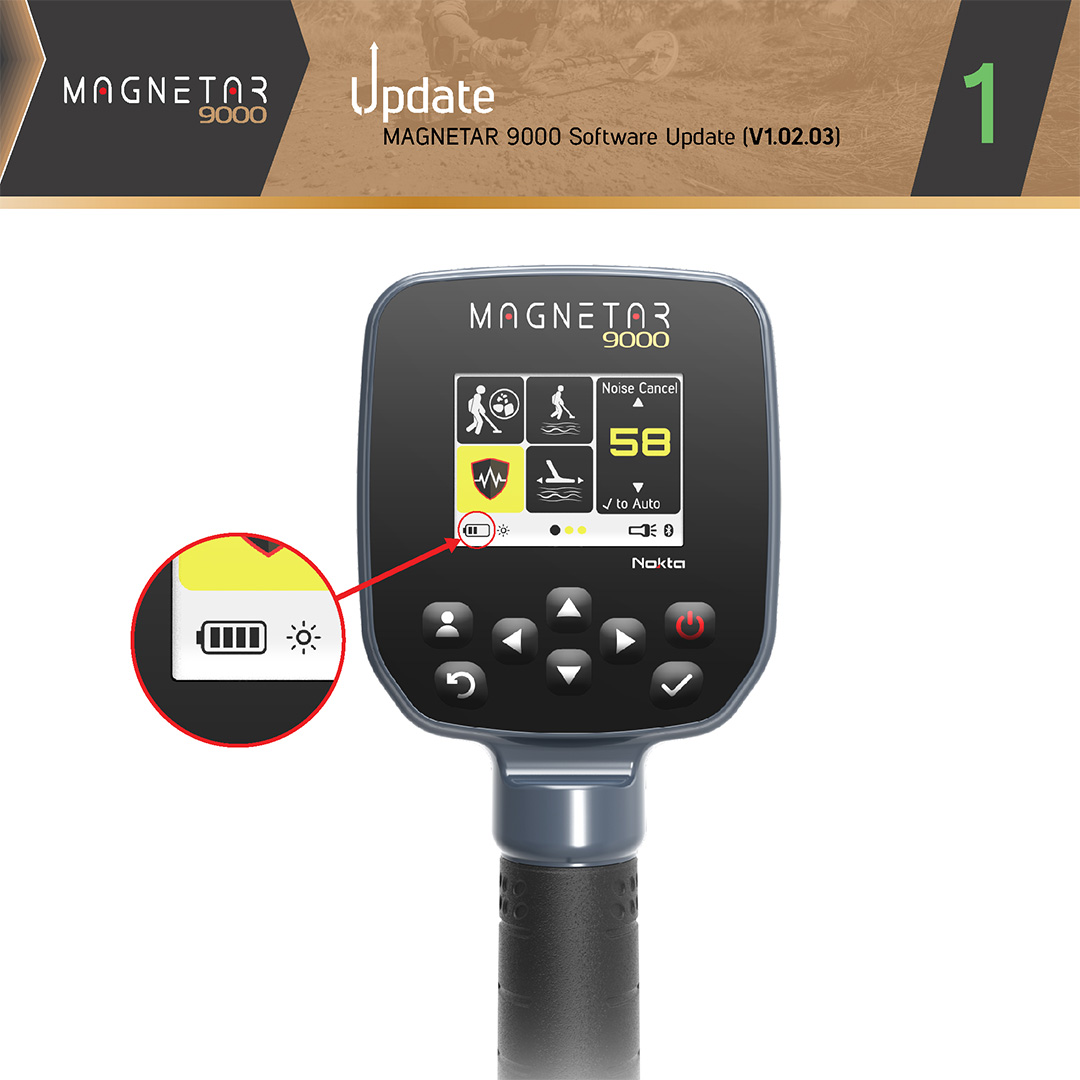
Make sure the device battery is at least 50% charged before starting the update.
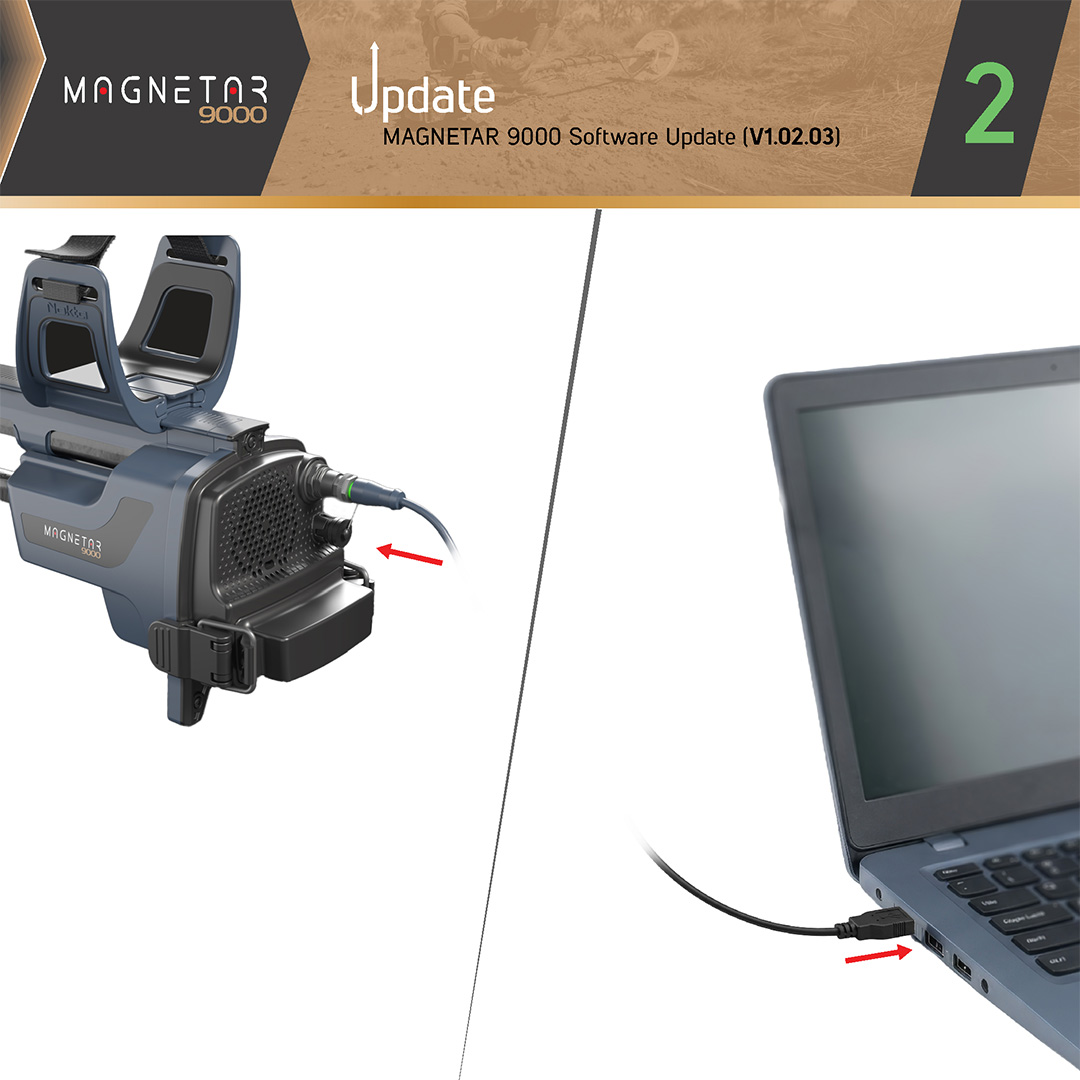
Connect one end of the USB cable to the device and the other end to your computer.
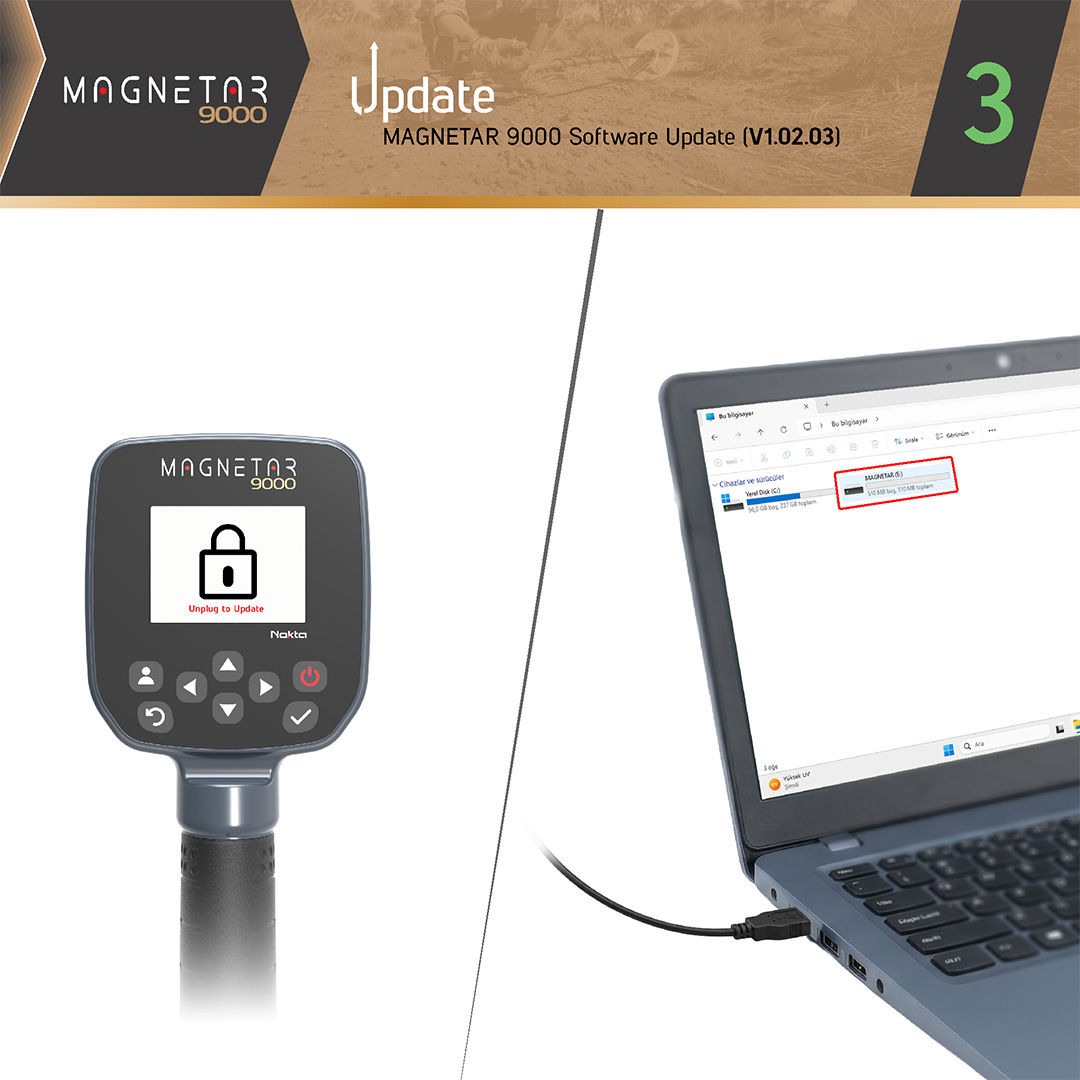
A lock icon will appear on the device screen. The device will show up on your computer as a removable USB drive named MAGNETAR.
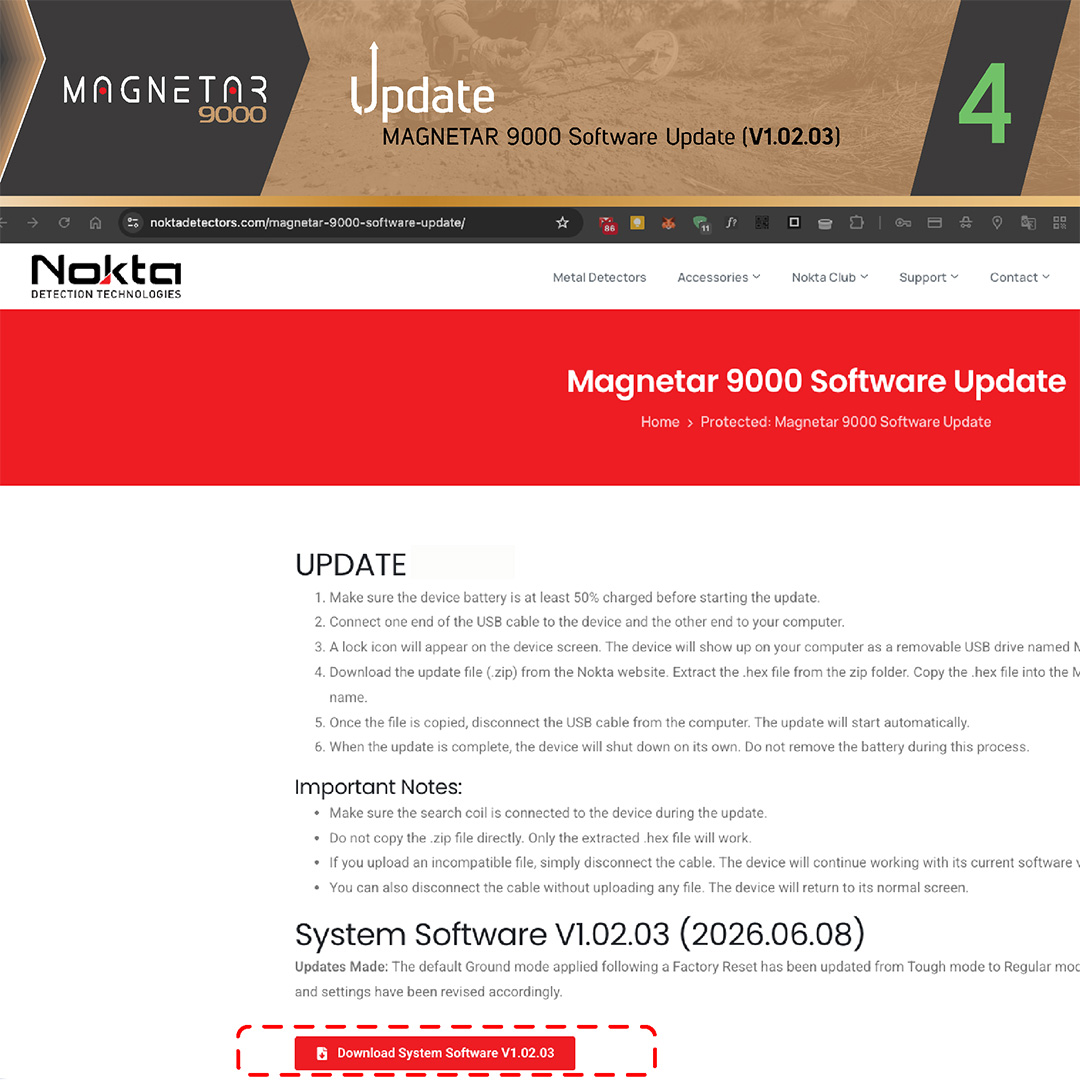
Download the update file (.zip) from the Nokta website. Extract the .hex file from the zip folder. Copy the .hex file into the MAGNETAR drive. Do not change the file name.
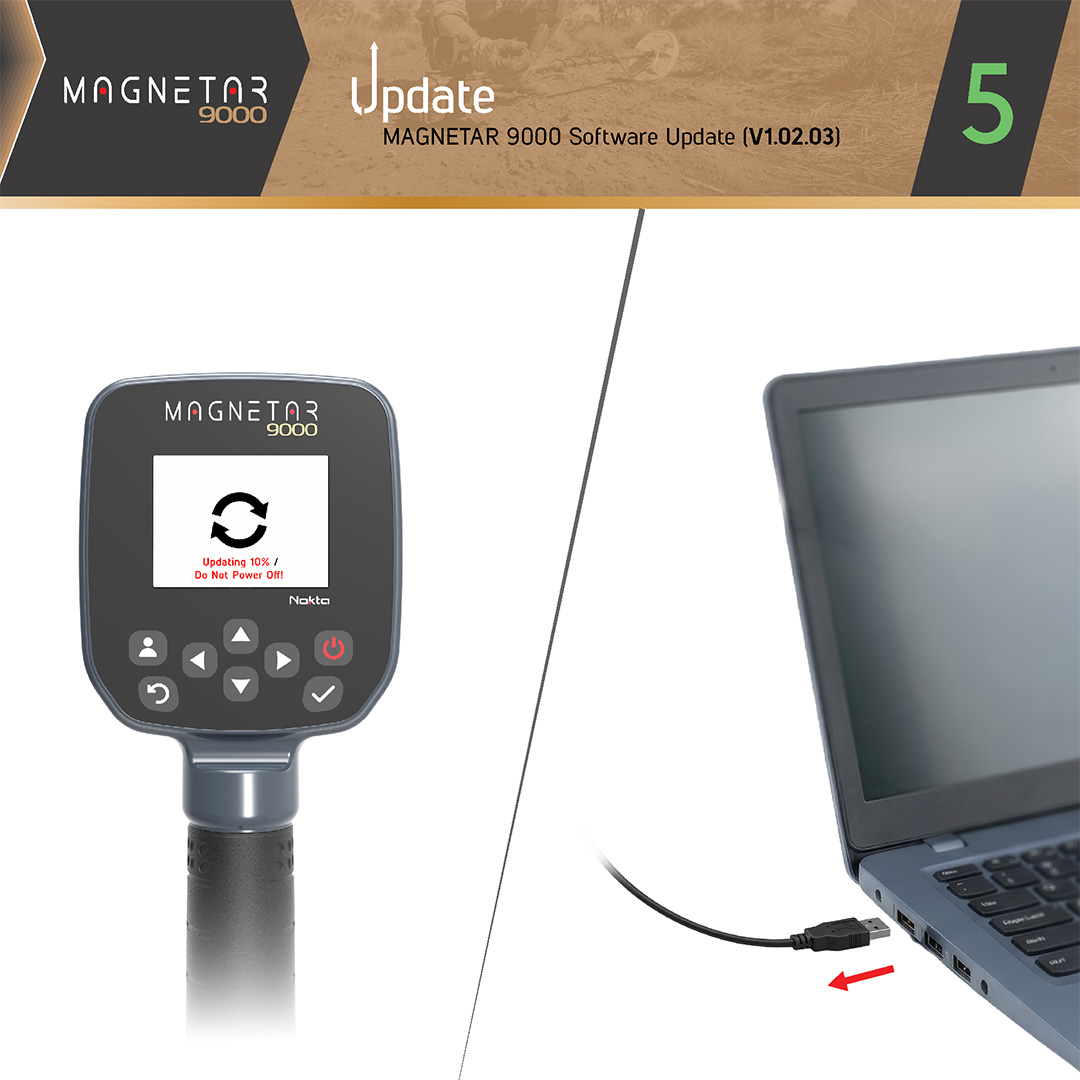
Once the file is copied, disconnect the USB cable from the computer. The update will start automatically.
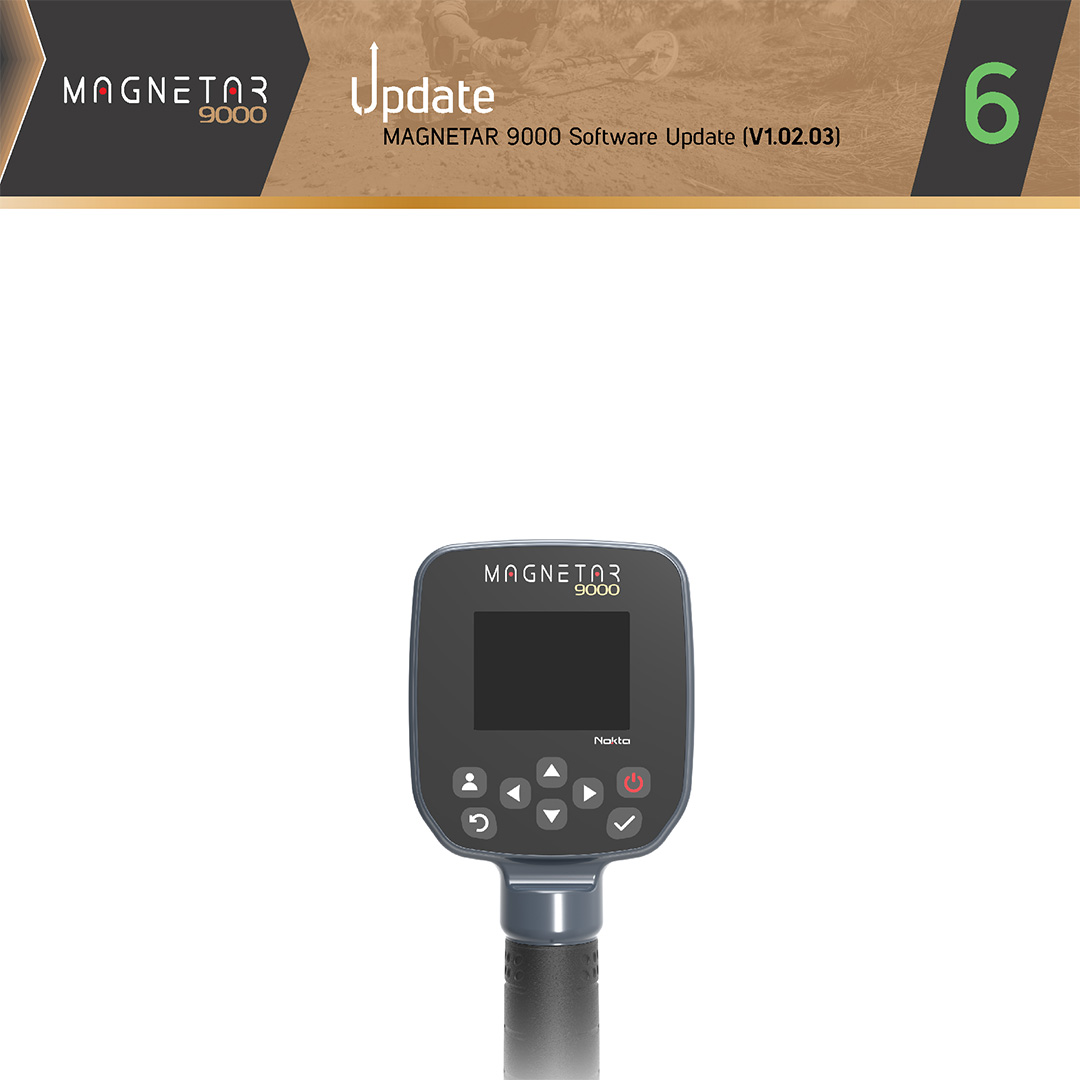
When the update is complete, the device will shut down on its own. Do not remove the battery during this process.
VERY IMPORTANT! Once the update is complete, don’t forget to perform a FACTORY RESET on your MAGNETAR 9000.
Important Notes:
Make sure the search coil is connected to the device during the update.
Do not copy the .zip file directly. Only the extracted .hex file will work.
If you upload an incompatible file, simply disconnect the cable. The device will continue working with its current software version.
You can also disconnect the cable without uploading any file. The device will return to its normal screen.
Ground balancing and stability have been enhanced for more precise ground compensation, smoother operation, and improved performance across challenging and highly mineralized soils.
Minor bugs have been fixed.
VERY IMPORTANT! Once the update is complete, don’t forget to perform a FACTORY RESET on your MAGNETAR 9000.